
Optimize Your 3D Printing Experience
Instant Access to Print-Ready Settings
Unlock the full potential of your 3D printer with our expertly curated settings for a wide range of filaments. Tailor your prints for perfection with ease.
Guidelines for Optimal 3D Printing
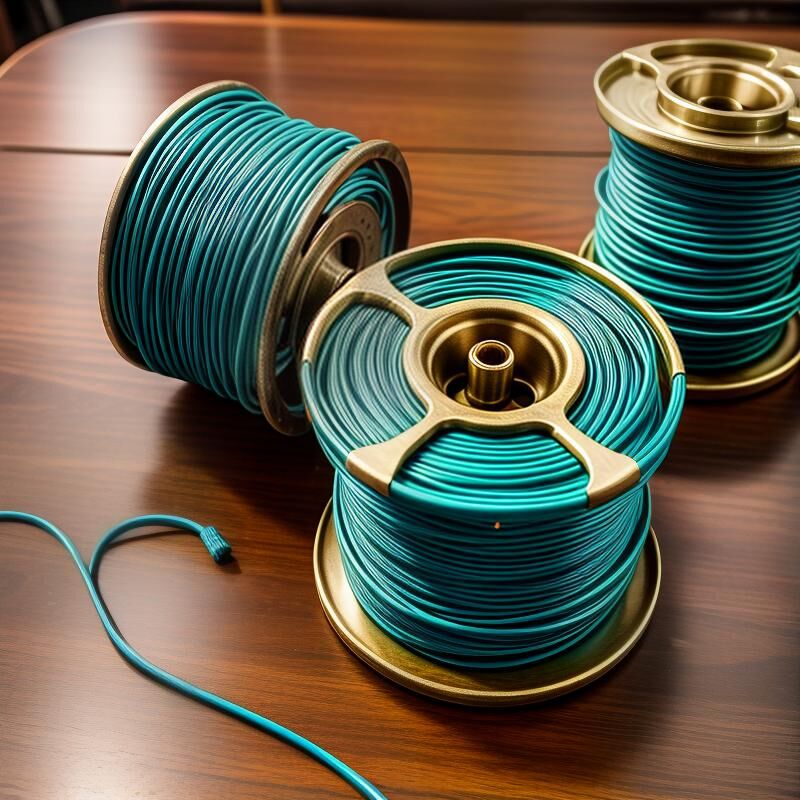
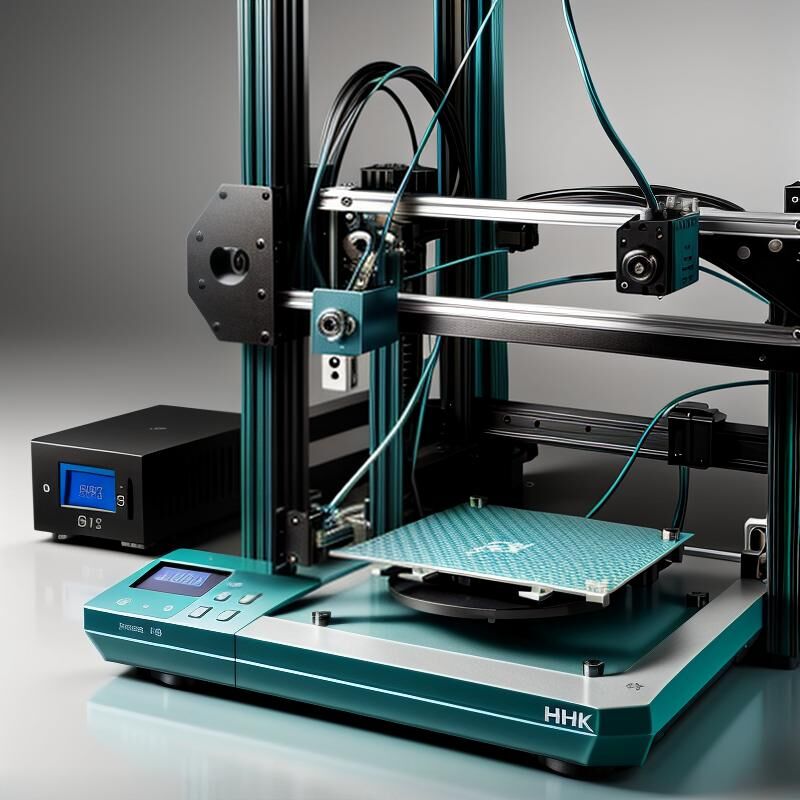
Achieving the best results in 3D printing requires understanding the nuances of each filament type. Start by adjusting your printer’s temperature settings according to the filament’s melting point. Ensure your print bed is leveled and prepped with the right adhesive for the material. Fine-tune the print speed to balance detail with efficiency, and always monitor the first few layers to ensure proper adhesion. For more detailed adjustments, refer to our comprehensive guide tailored for each filament type.
Filament Types & Settings
PLA
Recommended Settings: Nozzle Temp: 200°C, Bed Temp: 60°C, Print Speed: 60mm/s. Ideal for beginners due to its ease of use and wide availability.
ABS
Recommended Settings: Nozzle Temp: 230°C, Bed Temp: 100°C, Print Speed: 50mm/s. Known for its strength and durability, perfect for functional parts.
PETG
Recommended Settings: Nozzle Temp: 240°C, Bed Temp: 70°C, Print Speed: 55mm/s. Combines the strength of ABS with the ease of printing of PLA.
TPU
Recommended Settings: Nozzle Temp: 220°C, Bed Temp: 50°C, Print Speed: 30mm/s. Flexible and elastic, ideal for creating rubber-like parts.
Nylon
Recommended Settings: Nozzle Temp: 250°C, Bed Temp: 90°C, Print Speed: 40mm/s. Offers high strength and flexibility, suitable for industrial applications.
HIPS
Recommended Settings: Nozzle Temp: 230°C, Bed Temp: 100°C, Print Speed: 50mm/s. Often used as a support material due to its solubility in limonene.
Wood Filament
Recommended Settings: Nozzle Temp: 200°C, Bed Temp: 60°C, Print Speed: 50mm/s. Provides a unique wood-like finish, great for decorative items.
Carbon Fiber
Recommended Settings: Nozzle Temp: 240°C, Bed Temp: 70°C, Print Speed: 45mm/s. Offers enhanced strength and stiffness, perfect for high-performance parts.
Troubleshooting Tips for Filament Printing
Encountering issues with your 3D prints? Here are some common troubleshooting tips to help you resolve filament-related problems and achieve optimal printing results.
Why are my prints not sticking to the bed?
Ensure your print bed is level and clean. Adjust the nozzle height and consider using adhesives like glue stick or painter’s tape to improve adhesion.
How do I fix stringing in my prints?
Stringing can be reduced by adjusting retraction settings and lowering the print temperature. Experiment with different settings to find the optimal balance.
What causes layer shifting during printing?
Layer shifting can occur due to loose belts or pulleys. Check and tighten all mechanical components and ensure the printer is on a stable surface.
Why is my filament not extruding smoothly?
Check for clogs in the nozzle and ensure the filament is not tangled. Adjust the extrusion temperature and clean the nozzle if necessary.
How can I prevent warping in large prints?
Warping can be minimized by using a heated bed, enclosing the print area, and ensuring even cooling. Adjusting the print speed may also help.
What should I do if my prints have poor layer adhesion?
Poor layer adhesion can be improved by increasing the print temperature and ensuring the filament is dry. Adjusting the print speed may also enhance adhesion.
Essential 3D Printing Resources
Filament Guides and Comparisons
3D Printing Tools and Software
Filament Settings and Adjustments FAQ
Explore answers to common questions about optimizing filament settings for the best 3D printing results.
What is the optimal temperature for PLA?
PLA typically prints best at temperatures between 190-220°C. Adjust based on your specific printer and filament brand for optimal results.
How do I choose the right print speed?
Print speed depends on the filament type and the desired print quality. Slower speeds often yield better quality, while faster speeds can reduce print time.
What is the recommended bed temperature for ABS?
ABS generally requires a heated bed set between 90-110°C to prevent warping and ensure good adhesion.
How can I improve the surface finish of my prints?
Improving surface finish can be achieved by fine-tuning layer height, adjusting print speed, and using post-processing techniques like sanding or acetone smoothing.
What settings should I use for flexible filaments?
Flexible filaments require lower print speeds and reduced retraction settings. Ensure your extruder is compatible with flexible materials.
How do I store filament to maintain quality?
Store filament in a cool, dry place, preferably in a sealed container with desiccant to prevent moisture absorption, which can affect print quality.
Stay Updated with the Latest Filament Tips
Unlock a world of 3D printing possibilities by subscribing to our updates. Get the latest filament settings, expert tips, and exclusive resources delivered straight to your inbox. Enhance your printing experience with fila fili’s expert guidance.